

Finding the absolute best gaming laptops under $1500 in 2026 does not mean you have to settle for less. In fact, mid-range gaming laptops have improved dramatically over the last few years. What used to require a massive investment can now be found at a highly accessible price point. This shift is fantastic news for gamers who want top-tier frame rates without emptying their bank accounts.
Whether you love massive open-world titles or intense competitive shooters, a budget of $1500 hits the sweet spot for modern mobile hardware. Today, these machines easily manage demanding resolutions, handle smart AI upscaling, and utilize efficient cooling designs. Let us dive into the ultimate guide to the top portable gaming rigs available right now.
What to Expect for Under $1500
The sub-$1500 price point is incredibly competitive. Manufacturers pack these systems with hardware capable of playing major games at smooth frame rates. When shopping for the best gaming laptops under $1500, certain performance standards are a must:
- Graphics Cards (GPUs): You will find modern discrete graphics like the NVIDIA GeForce RTX 4060, RTX 4070, or the newer RTX 5060 Mobile. These chips support advanced upscaling features like DLSS (Deep Learning Super Sampling) to keep your games smooth.
- Processors (CPUs): Expect high-performance multi-core chips like the Intel Core i7-14650HX or AMD Ryzen 7 series. These processors handle streaming, gaming, and creative work simultaneously.
- Display Features: Do not settle for low refresh rates. Laptops in this segment offer 144Hz, 165Hz, or even 240Hz panels with crisp 1080p or 1440p resolutions.
- Memory and Storage: A minimum of 16GB DDR5 RAM is standard, though some premium value models offer 32GB. For storage, a fast 1TB NVMe SSD provides plenty of space for large modern game files.
The Best Gaming Laptops Under $1500
Here is a breakdown of the top mid-range gaming laptops that deliver incredible value, strong frame rates, and reliable build quality.
1. ASUS ROG Strix G16 (2026) – Best Overall Performance
The ASUS ROG Strix G16 is widely considered a top choice in the mid-range category. It balances raw gaming power with an excellent display and an incredibly robust thermal system.
Key Features & Performance
Equipped with an NVIDIA GeForce RTX 5070 Mobile or high-wattage RTX 4070, the Strix G16 handles modern titles at maximum settings. The 16-inch QHD display runs at a blistering 240Hz refresh rate. This fast screen gives competitive multiplayer fans a massive edge. Additionally, ASUS utilizes advanced thermal paste and triple-fan cooling to ensure the laptop stays cool during long gaming sessions.
|
Component |
Specification |
|
Processor (CPU) |
Intel Core i7-14650HX / Ultra 7 |
|
Graphics (GPU) |
NVIDIA GeForce RTX 5070 Mobile / RTX 4070 |
|
RAM / Storage |
16GB DDR5 / 1TB NVMe SSD |
|
Display |
16-inch QHD (2560×1600), 240Hz, IPS |
|
Battery Life |
Approximately 4.5 Hours (Mixed Use) |
2. Lenovo Legion 5i Pro – Best Balanced Value
Lenovo’s Legion lineup has earned a stellar reputation for clean designs, outstanding keyboards, and reliable everyday performance.
Key Features & Performance
The Lenovo Legion 5i Pro is an incredibly well-rounded machine. It features a sharp 165Hz QHD display with a 16:10 aspect ratio, providing extra vertical space for both work and play. The TrueStrike keyboard feels tactile and comfortable for typing or gaming. Backed by an RTX 5060 Mobile or RTX 4060 graphics card, it delivers highly consistent frame rates at 1440p resolution without stuttering.
|
Component |
Specification |
|
Processor (CPU) |
Intel Core i7 / AMD Ryzen 7 |
|
Graphics (GPU) |
NVIDIA GeForce RTX 5060 Mobile / RTX 4060 |
|
RAM / Storage |
16GB DDR5 / 1TB NVMe SSD |
|
Display |
16-inch QHD (2560×1600), 165Hz, IPS |
|
Battery Life |
Approximately 5 Hours (Mixed Use) |
3. Acer Predator Helios Neo 16 – Best Specs per Dollar
If your main goal is getting the absolute highest specifications for your money, the Acer Predator Helios Neo 16 is tough to beat.
Key Features & Performance
Acer frequently undercuts the competition by offering high-tier components at a lower price. The Helios Neo 16 often packs a massive 32GB of DDR5 RAM alongside an RTX 5070 or RTX 4070 GPU within our $1500 limit. Acer’s IceTunnel cooling technology uses liquid metal to control temperatures. While the plastic chassis feels slightly bulkier than premium options, the frame-rate performance is undeniable.
|
Component |
Specification |
|
Processor (CPU) |
Intel Core i7-14650HX |
|
Graphics (GPU) |
NVIDIA GeForce RTX 5070 Mobile |
|
RAM / Storage |
32GB DDR5 / 1TB NVMe SSD |
|
Display |
16-inch QHD (2560×1600), 165Hz, IPS |
|
Battery Life |
Approximately 4 Hours (Mixed Use) |
4. HP Omen 16 – Best Battery Life & AMD Efficiency
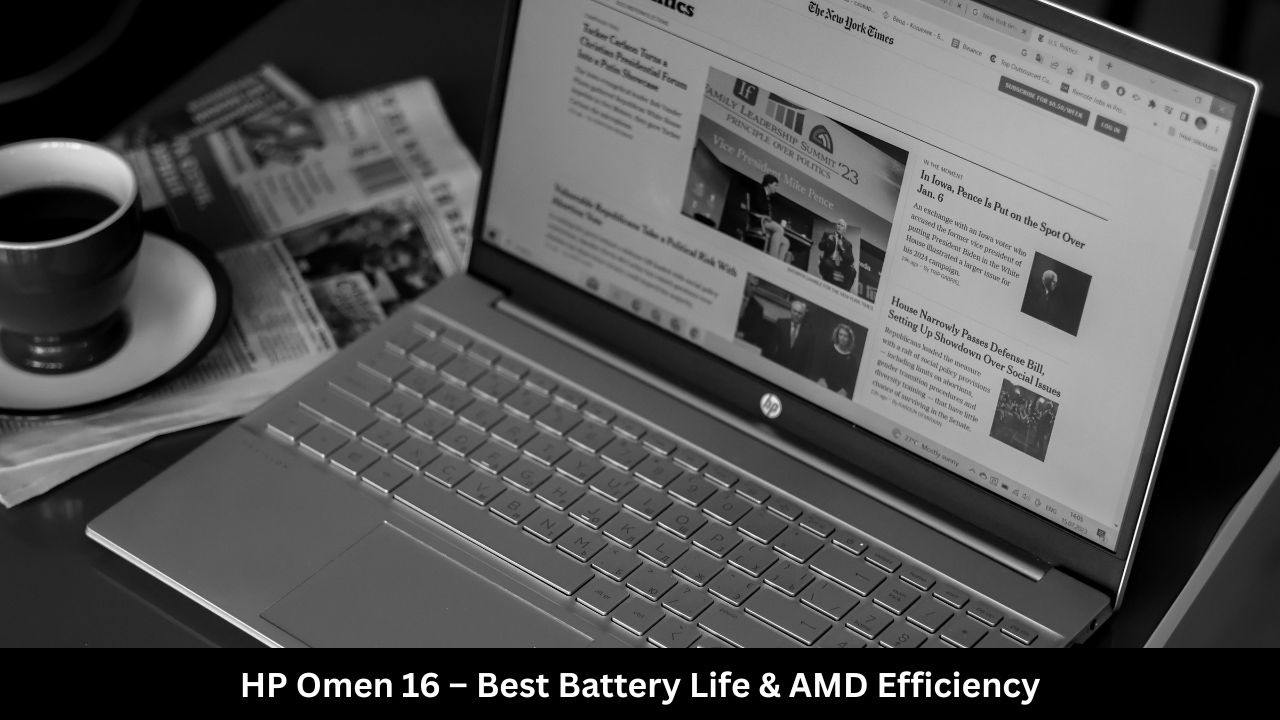
Most gaming laptops struggle to last long away from a power outlet. The HP Omen 16 addresses this issue by utilizing highly efficient AMD hardware architecture.
Key Features & Performance
Featuring an AMD processor paired with an efficient GPU like the Radeon RX 9060M or RTX 4060, the HP Omen 16 shines in battery endurance. It can last up to 5.5 hours during light daily tasks, making it a viable double-duty machine for students or remote workers. The physical design remains clean, professional, and subtle, allowing it to blend perfectly into an office or classroom environment.
|
Component |
Specification |
|
Processor (CPU) |
AMD Ryzen 7 8845HS |
|
Graphics (GPU) |
AMD Radeon RX 9060M / NVIDIA RTX 4060 |
|
RAM / Storage |
16GB DDR5 / 1TB NVMe SSD |
|
Display |
16-inch QHD (2560×1600), 165Hz |
|
Battery Life |
Approximately 5.5 Hours (Mixed Use) |
5. MSI Katana 15 HX – Best Budget Entry Under $1500
For buyers wanting to stay well under the max budget line, the MSI Katana 15 HX delivers great baseline power while leaving extra cash in your pocket.
Key Features & Performance
The MSI Katana 15 HX focuses heavily on core gaming performance. By utilizing entry-to-mid tiers like the RTX 5050 or RTX 4050, it drops the price significantly while still running esports titles easily. It includes a comfortable 4-zone RGB keyboard and easy upgrade access for extra storage. The primary trade-off is a slightly dimmer, 1080p display panel, but it remains a great introductory option.
|
Component |
Specification |
|
Processor (CPU) |
Intel Core i7-14650HX |
|
Graphics (GPU) |
NVIDIA GeForce RTX 5050 / RTX 4060 |
|
RAM / Storage |
16GB DDR5 / 512GB or 1TB SSD |
|
Display |
15.6-inch FHD (1920×1080), 144Hz |
|
Battery Life |
Approximately 4 Hours (Mixed Use) |
Key Buying Factors to Consider
Choosing the right machine involves looking past the raw retail price tag. Keep these crucial factors in mind before making your final purchase:
Thermal Management and Cooling
High-performance components generate a lot of heat. If a laptop gets too hot, it will slow itself down to protect its internal hardware, a problem known as thermal throttling. Look for systems that feature vapor chambers, multiple thick copper heatpipes, or liquid metal thermal paste.
Display Resolution vs. Refresh Rate
A 1080p (FHD) screen is easier on the graphics card, allowing you to achieve maximum frame rates in competitive shooters. A 1440p (QHD) screen looks much sharper and cleaner, which is perfect for visually beautiful, immersive games. Always ensure your display choice matches your favorite gaming genres.
Upgradability
Games are getting bigger every year, often requiring over 100GB of storage space. Check if the laptop has user-accessible slots. Choosing a model with an open M.2 SSD slot and modular RAM slots ensures you can upgrade your system later without buying a completely new laptop.
Frequently Asked Questions (FAQs)
Can a $1500 gaming laptop run games at 1440p?
Yes. Laptops in this price tier equipped with graphics cards like the RTX 4060, RTX 4070, or RTX 5060 handle 1440p resolution smoothly, especially when using AI upscaling tools like NVIDIA DLSS or AMD FSR.
Which is better for gaming, Intel or AMD?
Both brands are excellent. Intel HX-series chips generally offer slightly higher raw speed and lower latency for competitive gaming. On the other hand, AMD Ryzen processors are praised for superior power efficiency, helping your battery last longer during daily use.
Is 16GB of RAM enough for gaming in 2026?
Yes, 16GB of DDR5 RAM remains the recommended standard for modern gaming. However, if you plan to stream your gameplay, edit high-resolution video, or multitask heavily, upgrading your system to 32GB is highly beneficial.
Can I use a mid-range gaming laptop for school or office work?
Absolutely. These machines feature incredibly powerful processors and fast storage arrays, making them excellent choices for coding, engineering software, content creation, and everyday office multitasking.
Final Words
The under-$1500 landscape proves that high-end portable gaming is more accessible than ever. You do not need to spend thousands of dollars to get a machine with an elite screen, modern graphics, and great thermal cooling.
If you want the absolute best overall performance and refresh rate, the ASUS ROG Strix G16 is our top recommendation. For players who want a balanced design that excels at work and play, the Lenovo Legion 5i Pro is a fantastic choice. If raw hardware specs per dollar are your priority, choose the Acer Predator Helios Neo 16. Assess what features matter most to your workflow, protect your investment with good airflow, and enjoy premium gaming performance on the go!