
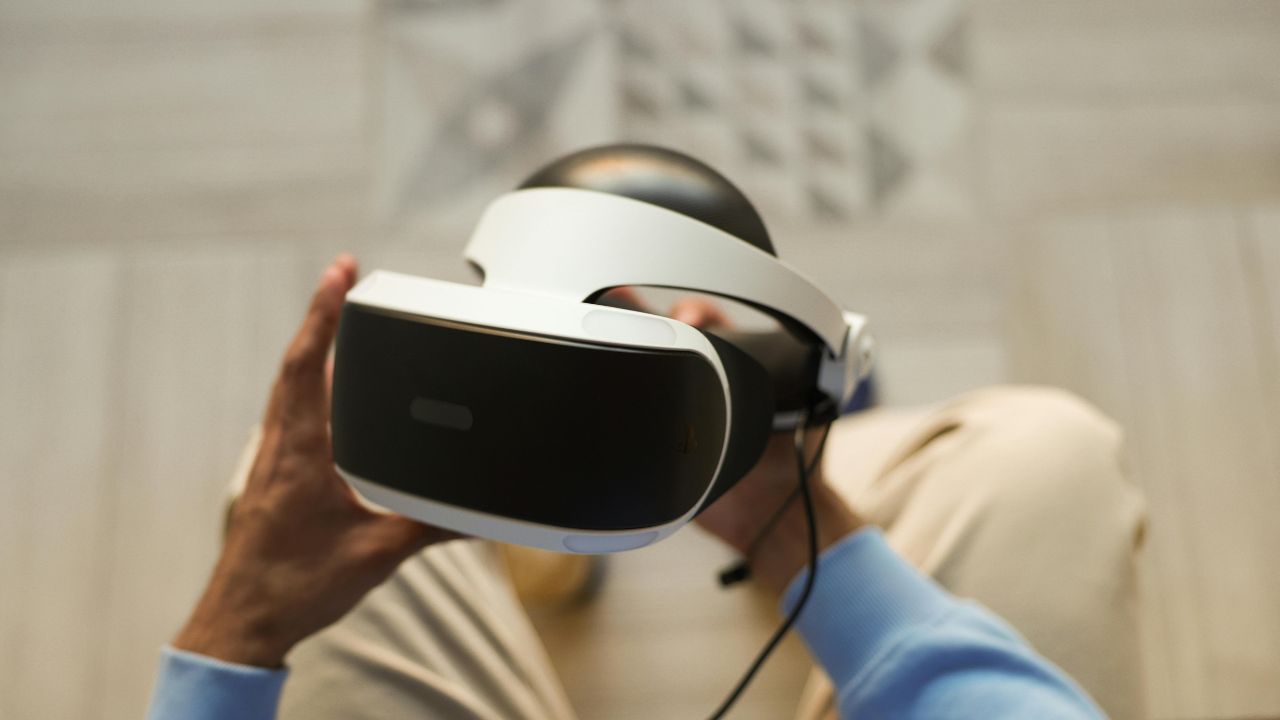
Virtual reality (VR) is changing faster than ever. In 2026, we are seeing lighter headsets, sharper screens, and incredible mixed reality (MR) options that blend the real world with the digital world. Whether you want to play immersive video games, watch movies on a giant virtual screen, or work in a 3D digital space, there is a perfect device for you.
However, choosing the right headset can feel overwhelming. Some devices need a powerful gaming computer, while others work completely wirelessly on their own. Prices range from a few hundred dollars to thousands of dollars.
This honest comparison guide will break down the top options on the market. We use simple language and clear data to help you make the best choice for your budget and needs.
What to Look For in a VR Headset
Before we jump into the specific models, it helps to understand a few basic terms. When you look for a new headset, keep these four factors in mind:
- Type (Standalone vs. Tethered): Standalone headsets have built-in computers and batteries. They work wirelessly without any extra equipment. Tethered headsets must connect to a PC or a gaming console with a cable.
- Resolution: This refers to the number of pixels on the screens inside the headset. Higher resolution means a sharper picture and less blurriness.
- Field of View (FOV): This is how wide the virtual screen looks to your eyes. A wider FOV makes you feel more like you are actually inside the game.
- Lenses (Fresnel vs. Pancake): Older headsets use Fresnel lenses, which are thicker and can cause a bit of glare. Newer headsets use pancake lenses, which are much thinner and offer a crystal-clear image from edge to edge.
1. Meta Quest 3: The Best All-Around VR Headset
The Meta Quest 3 is the top choice for most people. It strikes a perfect balance between price, performance, and features. It is a standalone headset, which means you do not need a computer or wires to use it.
Meta uses advanced pancake lenses in this model. This makes the headset slim and comfortable to wear for long periods. The display is very sharp, so you can read text and see fine details without any trouble. It also features excellent color passthrough, allowing you to see your actual room in full color while wearing the device. This opens up amazing opportunities for mixed reality games where virtual characters interact with your real furniture.
If you do own a gaming PC, you can connect the Quest 3 with a cable or use a wireless Wi-Fi link to play high-end PC VR games like Half-Life: Alyx.
|
Feature |
Specification |
|
Price |
$499 |
|
Type |
Standalone / PC VR Compatible |
|
Resolution |
2064 x 2208 pixels per eye |
|
Lens Type |
Pancake Lenses |
|
Best For |
Casual gamers, mixed reality, and general users |
2. Meta Quest 3S: The Best Budget Choice
If $499 feels a bit too expensive, Meta also offers the Quest 3S. This is the ultimate budget-friendly entry point into virtual reality. It uses the exact same powerful processor as the standard Quest 3, meaning it can run all the same modern games and apps smoothly.
To keep the price low at $299, Meta made a few smart compromises. The Quest 3S uses older Fresnel lenses instead of pancake lenses, making the device slightly thicker. The screen resolution is also a bit lower, matching the older Quest 2 model. The color passthrough cameras are functional but not quite as sharp as the ones on the premium Quest 3.
Despite these cuts, it is a fantastic device that offers access to the largest standalone game library in the world for a fraction of the cost.
|
Feature |
Specification |
|
Price |
$299 |
|
Type |
Standalone |
|
Resolution |
1832 x 1920 pixels per eye |
|
Lens Type |
Fresnel Lenses |
|
Best For |
Beginners and budget-conscious buyers |
3. Sony PlayStation VR2: The Best Choice for Console Gamers
If you already own a PlayStation 5 console, the Sony PlayStation VR2 (PSVR2) is an incredible option. This headset connects directly to your PS5 with a single USB-C cable.
The standout feature of the PSVR2 is its beautiful OLED screen. OLED displays offer deep, true blacks and vibrant colors that standard LCD screens simply cannot match. It also uses advanced eye-tracking technology, which lets the headset focus its computing power exactly where your eyes are looking.
The controllers offer high-tech haptic feedback, meaning you can feel the tension of a bowstring or the rumble of an explosion directly in your hands. Sony has also introduced official PC compatibility for this headset, making it a great dual-purpose option if you want to play on both a console and a computer.
|
Feature |
Specification |
|
Price |
$549 |
|
Type |
Tethered (PS5 / PC) |
|
Resolution |
2000 x 2040 pixels per eye |
|
Screen Type |
OLED |
|
Best For |
PlayStation 5 owners and hardcore gamers |
4. Apple Vision Pro: The Best Premium Spatial Computer
The Apple Vision Pro is not marketed as a simple gaming headset. Apple calls it a “spatial computer.” It is a ultra-premium device meant for productivity, media viewing, and high-end mixed reality experiences.
The hardware inside the Vision Pro is unmatched. It features dual Micro-OLED displays that offer a higher resolution than a 4K television for each eye. The image is breathtakingly real. It does not use physical controllers; instead, it tracks your eyes and hands. You simply look at an app icon and pinch your fingers together to select it.
You can float multiple giant web browsers, work documents, and movie screens around your real-world room. The main downsides are its very high price tag, its heavy weight, and a lack of traditional VR video games.
|
Feature |
Specification |
|
Price |
$3,499 |
|
Type |
Standalone with external battery pack |
|
Resolution |
3660 x 3200 pixels per eye |
|
Control Method |
Eye and Hand Tracking (No controllers) |
|
Best For |
Professionals, tech enthusiasts, and media consumption |
5. Valve Index: The Choice for PC VR Enthusiasts
The Valve Index has been around for a while, but it remains a favorite for dedicated PC gamers who want perfect tracking and high refresh rates. It requires a powerful gaming computer and external tracking stations that you mount on your walls.
While its screen resolution is lower than newer headsets, it makes up for it with a very wide field of view and a ultra-smooth 144Hz refresh rate. The “knuckle” controllers strap directly to your hands and can track individual finger movements.
With rumors of Valve working on a new wireless headset called the Steam Frame, the Index is getting older, but it is still a gold standard for precise PC gaming.
|
Feature |
Specification |
|
Price |
$999 (Full Kit) |
|
Type |
Tethered (PC VR only) |
|
Resolution |
1440 x 1600 pixels per eye |
|
Refresh Rate |
Up to 144Hz |
|
Best For |
Competitive PC gamers and simulation fans |
Side-by-Side Comparison Table
To help you see the big picture, here is how the top headsets stack up against each other across the most important categories:
|
Headset Model |
Retail Price |
Standalone Use? |
Screen Quality |
Ideal User |
|
Meta Quest 3S |
$299 |
Yes |
Good |
Beginners on a budget |
|
Meta Quest 3 |
$499 |
Yes |
Very Good |
Most everyday users and gamers |
|
PlayStation VR2 |
$549 |
No (Needs PS5/PC) |
Excellent (OLED) |
Console gamers wanting high performance |
|
Valve Index |
$999 |
No (Needs PC) |
Moderate |
PC gaming purists |
|
Apple Vision Pro |
$3,499 |
Yes |
Mind-blowing |
Professionals and luxury buyers |
Frequently Asked Questions (FAQ)
Do I need a computer to use a VR headset?
Not anymore! Standalone headsets like the Meta Quest 3, Quest 3S, and Apple Vision Pro have built-in computers. You only need a smartphone and a Wi-Fi connection to set them up. However, headsets like the Valve Index and PSVR2 do require an external console or computer.
Can VR headsets cause motion sickness?
Yes, some users experience motion sickness when they first try VR. This happens because your eyes see movement, but your body feels like it is standing still. To prevent this, start with short 15-minute sessions and play games where your character stands in one place rather than moving around quickly.
Can I wear my everyday glasses inside a VR headset?
Most headsets offer enough room for small-to-medium glasses frames, and many include a special plastic spacer to create more room. However, for the best comfort, many companies sell custom prescription lens inserts that clip directly over the headset lenses.
Is mixed reality the same thing as virtual reality?
Not quite. Virtual reality (VR) completely blocks out the real world and puts you in a fully digital environment. Mixed reality (MR) uses cameras on the front of the headset to show you your real room, then places digital objects into that space.
Final Words
Virtual reality has come a very long way from its early days of heavy wires and blurry screens. Today, the market offers great options for every budget level.
If you want the absolute best overall value without any messy setups, the Meta Quest 3 is the smart choice. If you want to jump into virtual worlds without spending too much money, the Meta Quest 3S is a wonderful bargain. For those who love console gaming on their couch, the PlayStation VR2 delivers high-end visuals, while the Apple Vision Pro offers a glimpse into the high-tech future of computing if you have the budget for it.
Take a moment to consider what matters most to you—whether it is budget, visual quality, or wireless freedom—and enjoy your step into the virtual world!