
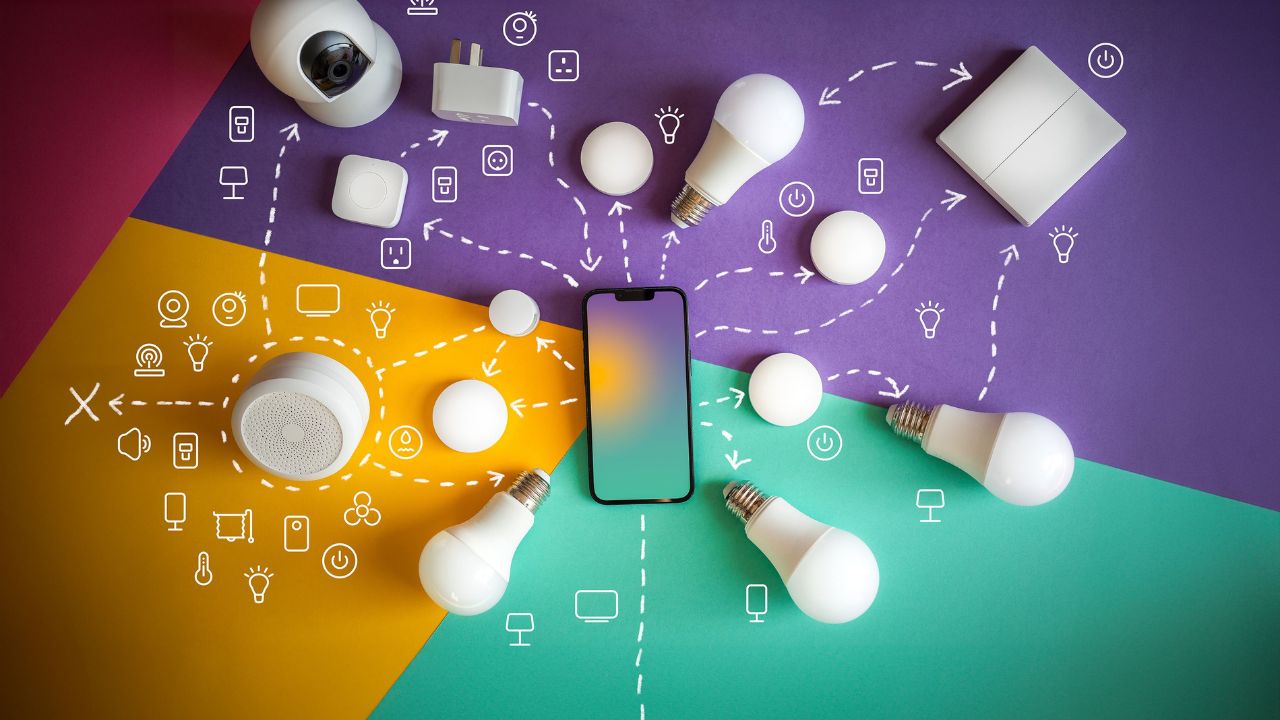
Smart home devices are becoming very popular. They help us save energy. They make our daily lives easy. A smart plug is the easiest way to start your smart home. You can plug any standard electronic device into it. Then, you can control that device with your smartphone or your voice.
You can turn off a lamp from your bed. You can schedule your coffee maker to start in the morning. You can even check if you left your fan on while you are at work. The best part is that you do not need to spend a lot of money.
In this guide, we will look at the best smart plugs of 2026. These options are cheap, reliable, and full of useful features. We chose these products because they provide great value for your money. They work with popular smart systems like Amazon Alexa, Google Home, and Apple Home.
Why You Need a Smart Plug in 2026
A smart plug changes a regular outlet into a connected outlet. It connects to your home Wi-Fi network. Once connected, you can use a mobile app to control the power. This small tool offers many great benefits for your household.
Save Money on Energy Bills
Many appliances use power even when they are turned off. This is called standby power or vampire energy. Smart plugs can cut this power completely. Many new models also include built-in energy monitoring features. This allows you to see exactly how much electricity a device uses. You can track your daily habits and find ways to save money.
Make Your Home Safer
Have you ever left your house and worried about your hair straightener? With a smart plug, you can check the app on your phone. If the device is still on, you can turn it off instantly from anywhere. Many plugs also have a feature called “Away Mode.” This mode turns your lamps on and off randomly while you are away. It makes it look like someone is home, which keeps thieves away.
Simple Home Automation
You can set schedules for your electronics. You can program your holiday lights to turn on at sunset. You can set a timer for your bedroom fan to turn off after two hours. These small changes make your home more comfortable.
Key Features to Consider Before Buying
Before you buy a smart plug, you should know what features to look for. Not all plugs are the same. Here are the most important things to check:
- Smart Home Compatibility: Make sure the plug works with your preferred system. This could be Amazon Alexa, Google Home, or Apple HomeKit.
- Matter Support: Matter is a new universal standard for smart homes. Plugs with Matter certification can work with almost any smart app or assistant. This makes them future-proof.
- Design and Size: Look for a slim or compact design. A good plug should not block the second outlet on your wall.
- Energy Monitoring: If you want to track your power use, choose a model that includes energy tracking inside the app.
- Amperage Rating: Most household smart plugs are rated for 15 amps. This is enough for lamps, fans, and small electronics. Do not use them for large appliances like air conditioners unless the manual says it is safe.
7 Best Affordable Smart Plugs of 2026
Here is our list of the top 7 affordable smart plugs available this year. We have reviewed their features, price, and performance to help you make the right choice.
1. Emporia Smart Plug (Best Overall Smart Plug)
The Emporia Smart Plug is our top choice for 2026. It is highly affordable, costing around $12. It offers incredible energy management features that are easy to use. The app gives you detailed charts of your power consumption. It has a clean, rounded design with a convenient physical power button on the side.
The setup process takes less than two minutes. It connects directly to your 2.4 GHz Wi-Fi network without requiring a separate hub. The only downside is that it does not natively support Apple HomeKit. However, it works flawlessly with Amazon Alexa and Google Home.
|
Feature |
Details |
|
Price |
Around $12 |
|
Smart Home Support |
Amazon Alexa, Google Home |
|
Energy Monitoring |
Yes (Detailed tracking) |
|
Amps |
15A |
|
Connectivity |
2.4 GHz Wi-Fi |
2. TP-Link Tapo Smart Wi-Fi Plug Mini (Best Budget Pick)
If you want to spend as little as possible, the TP-Link Tapo Smart Wi-Fi Plug Mini is an excellent option. It costs less than $10. It is one of the smallest plugs on the market. You can easily fit two of these plugs into a standard wall outlet.
The Tapo app is clean and fast. You can set custom schedules, timers, and use the Away Mode feature. It does not have energy monitoring, but its low price and high reliability make it a favorite for beginners.
|
Feature |
Details |
|
Price |
Under $10 |
|
Smart Home Support |
Amazon Alexa, Google Home, IFTTT |
|
Energy Monitoring |
No |
|
Amps |
10A or 15A (Depending on model) |
|
Connectivity |
Wi-Fi |
3. TP-Link Kasa EP25 (Best for Matter and Apple HomeKit)
The Kasa EP25 by TP-Link is a wonderful option for people who use Apple devices. It features full Matter support. This means it connects easily to Apple HomeKit, Amazon Alexa, Google Assistant, and Samsung SmartThings.
The Kasa EP25 has a slim design that leaves your second wall outlet open. It also includes real-time energy monitoring. You can buy these in multi-packs to get a better price per plug, usually bringing the cost down to around $12 to $15 per unit.
|
Feature |
Details |
|
Price |
Around $12 – $15 |
|
Smart Home Support |
Apple HomeKit, Alexa, Google Home, SmartThings (Matter) |
|
Energy Monitoring |
Yes |
|
Amps |
15A |
|
Connectivity |
Wi-Fi / Matter |
4. Wyze Plug Outdoor v2 (Best for Outdoor Use)
If you need to control outdoor lights, garden pumps, or patio heaters, you need a tough plug. The Wyze Plug Outdoor v2 is built for bad weather. It has an IP65 weatherproof rating. This means it can handle heavy rain, dust, and snow easily.
This plug features two separate outlets. You can control each outlet individually using the Wyze app. It also offers a long Wi-Fi range so it can stay connected even when it is placed far from your home router. It costs under $20 for a package, making it very budget-friendly.
|
Feature |
Details |
|
Price |
Under $20 |
|
Smart Home Support |
Amazon Alexa, Google Assistant |
|
Energy Monitoring |
Yes |
|
Amps |
15A total |
|
Weather Rating |
IP65 Weatherproof |
5. Ikea Grillplats Plug (Best Minimalist Design)
Ikea is famous for simple furniture, and their smart home products follow the same rule. The Ikea Grillplats plug is cheap, costing around $8. It is built to work seamlessly with the Ikea Home smart ecosystem, but it also supports major platforms like Amazon Alexa and Apple Home.
It has a solid, simple build quality. It does not offer energy tracking, but it is extremely reliable for basic tasks like turning lamps on and off. It is a good choice if you already own other Ikea smart devices.
|
Feature |
Details |
|
Price |
Around $8 |
|
Smart Home Support |
Amazon Alexa, Google Home, Apple Home |
|
Energy Monitoring |
No |
|
Amps |
16A |
|
Connectivity |
Zigbee / Wi-Fi |
6. Govee Dual Smart Plug (Best Space Saver)
The Govee Dual Smart Plug gives you two smart outlets in a single device. Instead of buying two separate plugs, you plug this single block into your wall. It gives you two sockets that you can name and control independently inside the Govee app.
It costs around $12, which means you are paying only $6 per smart outlet. It integrates well with Amazon Alexa and Google Home. The Govee app also allows you to link the plug with Govee smart lights for cool automation scenes.
|
Feature |
Details |
|
Price |
Around $12 |
|
Smart Home Support |
Amazon Alexa, Google Assistant |
|
Energy Monitoring |
No |
|
Amps |
15A total |
|
Connectivity |
Wi-Fi |
7. Meross Smart Plug Mini (Best for Simple Setup)
The Meross Smart Plug Mini is another fantastic choice for Apple Home users who want a cheap alternative. It is reliable and small. It does not require any third-party app if you are setting it up through Apple HomeKit. You simply scan the code on the side of the plug.
It handles a 15-amp load easily. This makes it strong enough for small household appliances like coffee makers and fans. It offers a stable connection and rarely drops off your home network.
|
Feature |
Details |
|
Price |
Around $11 |
|
Smart Home Support |
Apple HomeKit, Amazon Alexa, Google Home |
|
Energy Monitoring |
No |
|
Amps |
15A |
|
Connectivity |
2.4 GHz Wi-Fi |
How to Set Up Your New Smart Plug
Setting up a modern smart plug is very easy. Most brands use a similar process. Follow these simple steps to get started:
Step 1: Download the App
Go to the Apple App Store or Google Play Store on your smartphone. Download the app for your specific smart plug brand (such as Tapo, Kasa, or Emporia).
Step 2: Plug in the Device
Insert your new smart plug into a standard wall outlet. A small LED light on the plug will start flashing. This means the device is ready to pair.
Step 3: Connect to Wi-Fi
Open the mobile app and click on the “Add Device” button. Make sure your smartphone is connected to your home’s 2.4 GHz Wi-Fi network. Most smart plugs do not support 5 GHz networks yet. Follow the on-screen prompts to enter your Wi-Fi password.
Step 4: Link to Your Voice Assistant
If you want to use voice control, open your Amazon Alexa or Google Home app. Search for the brand’s skill, log into your account, and link the services. Now you can control your plug using voice commands like, “Alexa, turn off the lamp.”
Frequently Asked Questions (FAQ)
Do smart plugs use electricity when turned off?
Yes, smart plugs use a tiny amount of electricity even when they are turned off. They need a small amount of power to stay connected to your home Wi-Fi network so they can listen for your commands. However, this power use is extremely low, usually less than 1 watt. This is much less than the energy wasted by your standby appliances.
Can I use a smart plug with an extension cord?
Yes, you can plug a smart plug into an extension cord, or plug an extension cord into a smart plug. However, you must make sure that the total power load of all connected devices does not exceed the amp rating of the smart plug. Most plugs are rated for 15 amps.
Do I need a smart home hub to use these plugs?
No. All the affordable smart plugs mentioned on this list connect directly to your home Wi-Fi network. You do not need to buy an expensive smart home hub to use them.
Can a smart plug turn on my coffee maker?
Yes, but only if your coffee maker has a mechanical physical switch. If your appliance turns on automatically when you plug it into the wall, a smart plug will work perfectly. If your coffee maker uses an electronic button that you must press every time, a smart plug will only turn the power on, but it will not start the brewing process.
Final Words
Choosing the right smart plug depends on your personal needs. If you want to track your power consumption to save money, the Emporia Smart Plug is your best option. If you want the cheapest reliable device, go with the TP-Link Tapo Mini. If you use Apple products, pick a option with Matter support like the TP-Link Kasa EP25.
Buying a smart plug is a cheap and practical way to modernize your home. These small gadgets offer safety, convenience, and energy savings. Pick one from our list today to start building your smart home without breaking your budget.