
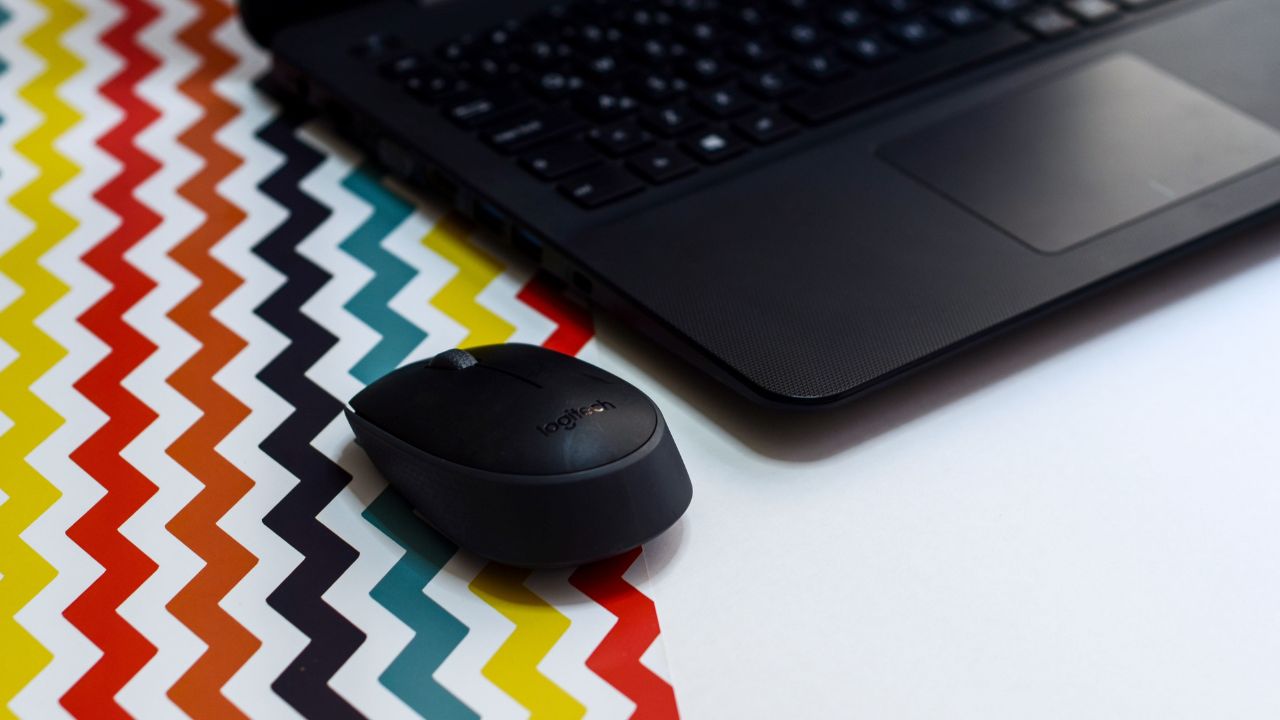
Are you looking for a new mouse? You do not need to spend a lot of money to get a great one. In 2026, many budget-friendly options offer top performance. Whether you need a mouse for work, office tasks, or gaming, you can find a reliable device for under $50.
This guide helps you choose the right mouse. We look at battery life, comfort, and sensor quality. You will find excellent choices from well-known brands. These mice will help you work or play better every day.
Quick Comparison: Best Wireless Mice Under $50
Finding the perfect mouse can be quick if you know what to look for. Below is a table that shows some of the best-rated options available today.
|
Mouse Model |
Best For |
Connection |
Key Feature |
|
Logitech G305 |
Budget Gaming |
2.4GHz |
Legendary HERO Sensor |
|
Logitech M750 |
Productivity |
BT / 2.4GHz |
Silent clicks & AI tools |
|
Mchose G3 V2 Pro |
Lightweight Gaming |
2.4GHz / BT |
High-end sensor |
|
Lenovo Go Vertical |
Ergonomics |
2.4GHz / BT |
Reduced wrist strain |
Why You Should Buy a Budget Wireless Mouse
You might wonder if a cheap mouse is good enough. The answer is yes. Technology has improved a lot. Even affordable mice now use sensors that are very accurate.
1. Great Performance
Most budget mice today use optical sensors. These track your movement perfectly on most surfaces. You will not notice a difference between these and more expensive models during normal use.
2. Convenience
Wireless technology is much better now. You do not have to worry about cables getting tangled on your desk. Many budget mice come with a small USB receiver or use Bluetooth.
3. Long Battery Life
Modern wireless mice are very efficient. Some models can run for months on just one battery. Others use a rechargeable battery that lasts a long time after one charge.
Key Features to Look For
Before you buy, think about these three important things.
Sensor Quality (DPI)
DPI stands for Dots Per Inch. It measures how sensitive the mouse is. For office work, a lower DPI is fine. If you play games, a higher DPI helps you react faster. Look for a mouse with at least 1,000 to 3,000 DPI.
Ergonomics and Comfort
You use your mouse for many hours. It must feel good in your hand. Look for a shape that fits your grip style. Some people like a tall mouse, while others prefer a flat one. A comfortable mouse helps prevent wrist pain.
Connectivity
- 2.4GHz Wireless: This is very fast. It is great for gaming. It usually comes with a small USB dongle.
- Bluetooth: This connects directly to most laptops and tablets. It saves your USB ports for other things.
Top Picks for 2026
The All-Rounder: Logitech G305 Lightspeed
The Logitech G305 remains a favorite. It is fast and very reliable. It uses one AA battery and lasts for months. Its shape is simple and fits almost anyone’s hand.
- Pros: Reliable connection, great sensor, long battery life.
- Cons: Not rechargeable (needs a new battery).
The Productivity Choice: Logitech Signature M750
This mouse is made for office work. It has silent buttons. You will not annoy people around you with clicking sounds. It also includes special software for AI tools to help you work faster.
- Pros: Very quiet, comfortable for long hours, multi-device support.
- Cons: Not built for high-speed gaming.
The Gaming Star: Mchose G3 V2 Pro

If you want a lightweight gaming mouse, look at the Mchose series. It is very light, which helps your aim in games. It uses a top-tier sensor usually found in much more expensive mice.
- Pros: Super lightweight, high polling rate, excellent tracking.
- Cons: Less common brand than Logitech.
How to Maintain Your Wireless Mouse
To make your mouse last for years, follow these simple tips:
- Keep it clean: Dust can get into the sensor. Wipe the bottom of the mouse with a dry cloth sometimes.
- Use a mouse pad: A good mouse pad makes the mouse glide easier. It also keeps the surface clean.
- Manage your battery: If your mouse uses a disposable battery, take it out if you plan not to use the mouse for a long time.
Frequently Asked Questions (FAQ)
1. Are wireless mice under $50 good for gaming?
Yes. Many budget wireless mice, such as the Logitech G305, are excellent for competitive gaming. They have low latency, which means your clicks happen instantly.
2. Should I choose Bluetooth or 2.4GHz?
Choose 2.4GHz if you want the best speed and responsiveness for gaming. Choose Bluetooth if you want to use the mouse with multiple devices like tablets or laptops without a USB dongle.
3. How long do these batteries usually last?
It depends on the model. Some mice with AA batteries can last for 6 to 12 months. Rechargeable mice usually last for weeks on a single charge.
4. Do I need to install software for these mice?
Some basic mice work as soon as you plug them in. However, gaming mice often come with software. This allows you to change button functions and adjust speed settings.
Final Words
Buying a wireless mouse does not have to be stressful. You have many high-quality options under $50 in 2026. For most people, the Logitech G305 or M750 will be the perfect choice. They are built well, perform accurately, and fit almost any budget. Remember to think about how you use your mouse most often—whether for long work sessions or intense gaming—and pick the one that fits your hand best. Enjoy your new setup!